Tech Collage
Photography cut into signals, screens, dots, and measured offsets.
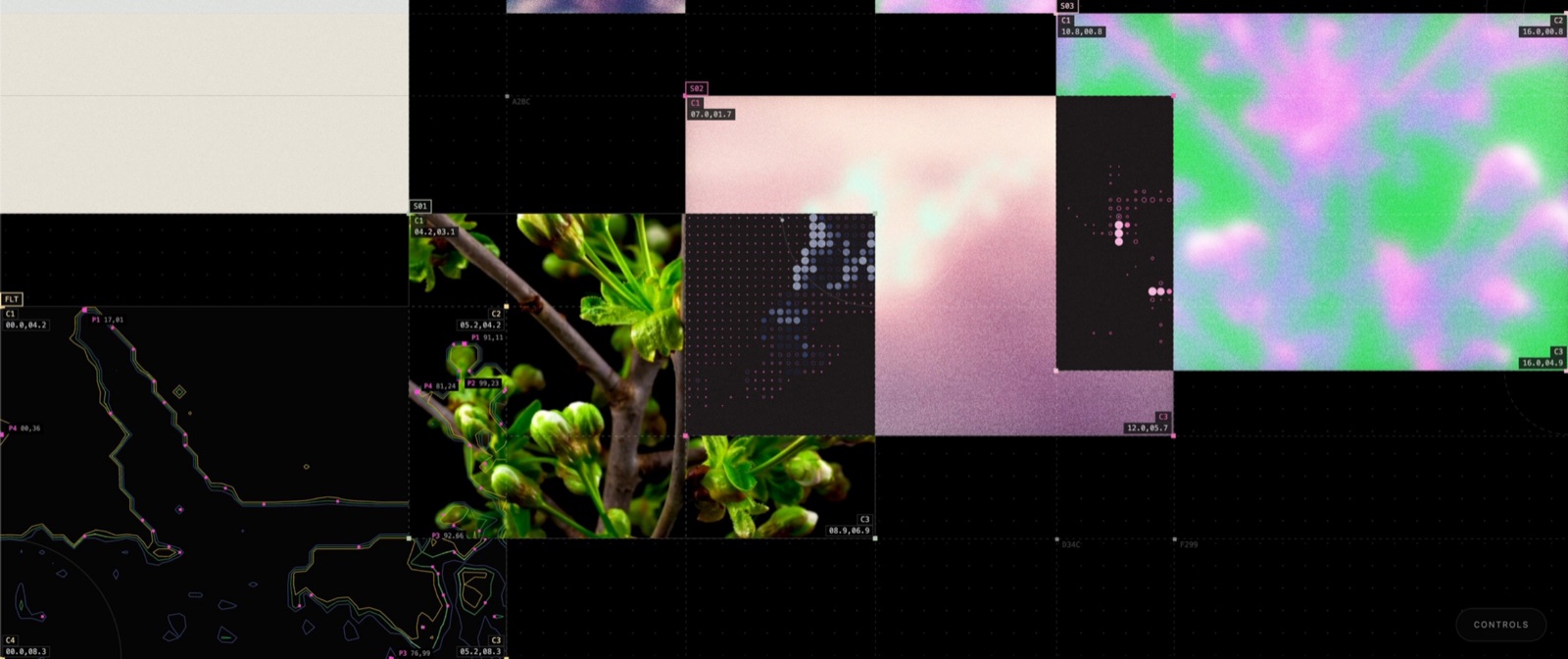
A sharp image, two displaced strips, contour traces, dot data, and one disciplined annotation system.
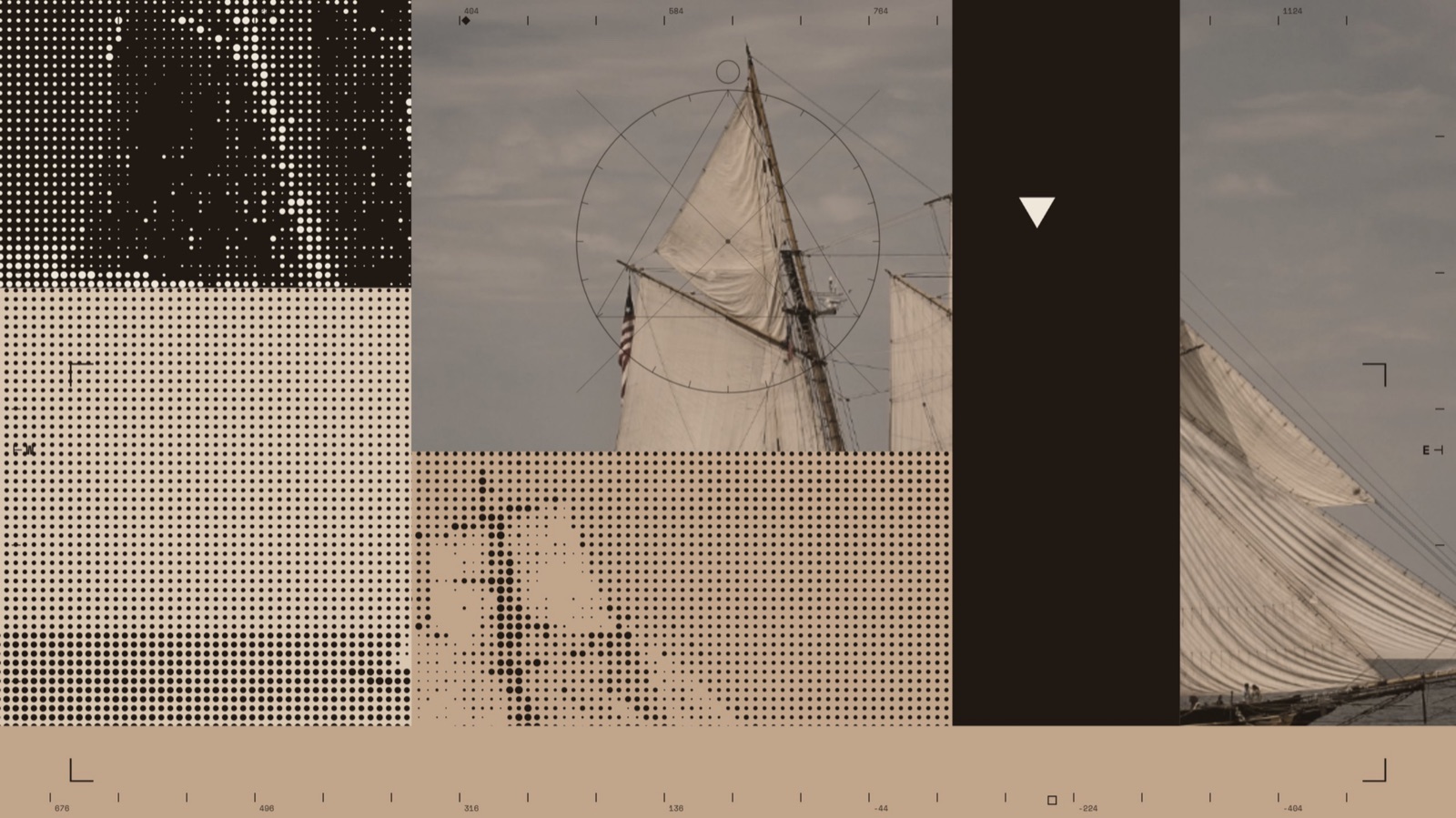
Sepia image planes cross from solid to halftone under rulers, reticles, corner marks, and a barcode.
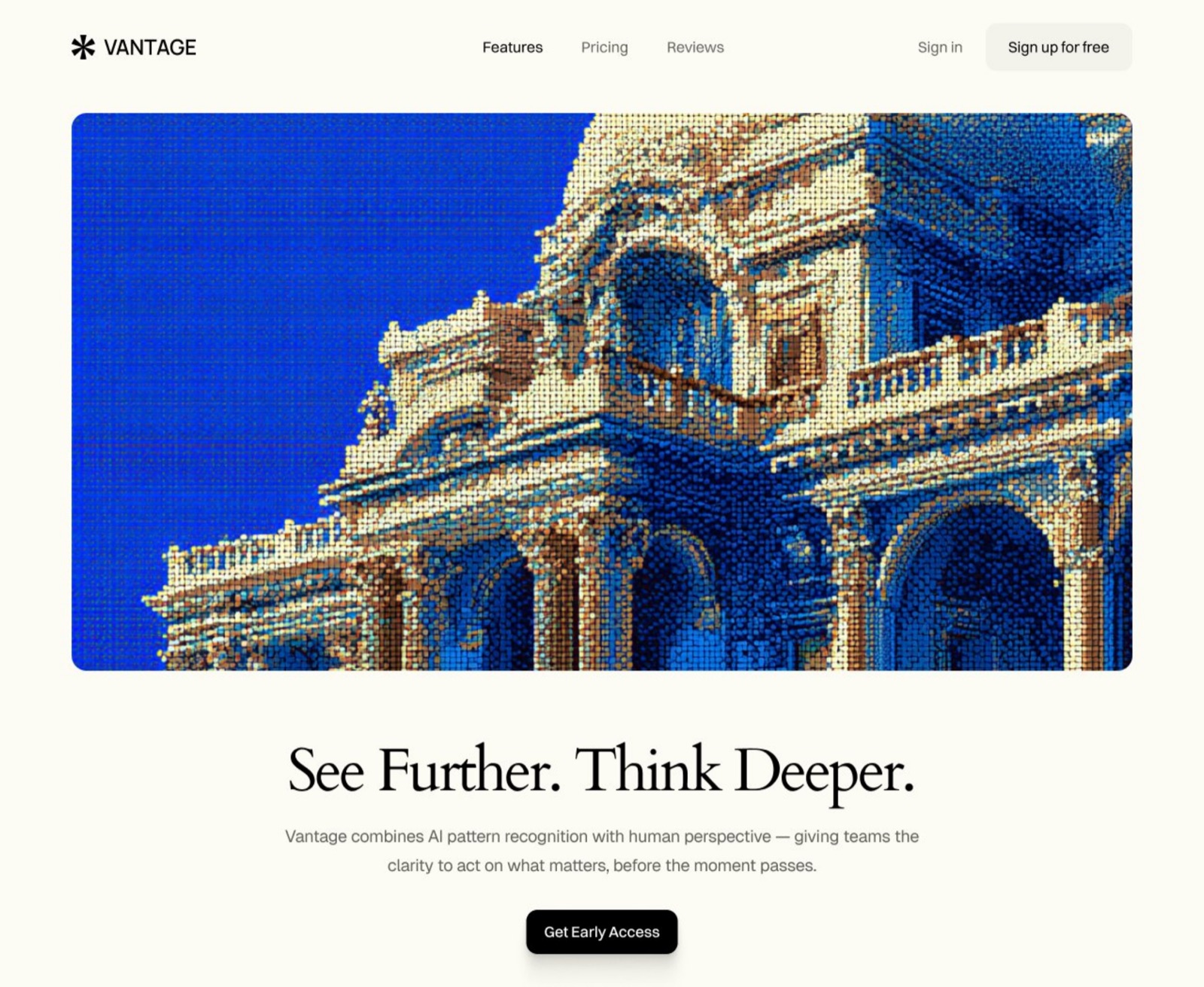
The quiet web variant: one screened image carries the effect while the interface and headline stay calm.
How it works
Color
Typography
Characteristics
A photograph under analysis
A flower, mountain, boat, building, or face stays recognizable while overlays make it look sampled, measured, or tracked. The image gives the composition an emotional center; the instrumentation keeps it at a distance.
Rectangular tears and offsets
Images are split into hard-edged panes, strips, and duplicate fragments that shift out of register. The break reads like a damaged buffer or a misaligned print plate, even when every offset is composed by hand.
Halftone as structure
Dots, lines, and pixel fields replace whole parts of the photograph instead of sitting over it as decoration. The screened region becomes a second image mode with its own scale and density.
Machine annotations
Coordinates, ticks, crop corners, crosshairs, serials, barcodes, and small monospace labels imply a system at work. Most are semantic theater, but their placement needs the discipline of real instrumentation.
Competing resolutions
Sharp photos, blurred blocks, coarse dots, thin vector lines, and visible noise share one frame. The changes in fidelity create hierarchy and keep the picture from resolving into one seamless surface.
Controlled instability
Motion arrives as a jump, tear, scan, or shuffled block. The frame can feel broken without becoming random because a strict grid, limited palette, and repeated marks hold it together.
Use it
Figma
Offset image tear
- Place the photograph in a frame and duplicate it three times.
- Draw narrow rectangles over the areas you want to displace.
- Use each rectangle as a mask for one duplicate.
- Move the masked strips 8 to 32px along one axis; leave the base image fixed.
- Tint one strip or reduce its opacity if the tear needs a color split.
Two convincing tears beat twelve weak ones. Keep most of the source image intact.
Halftone image mode
- Duplicate the image and crop to the region that will become halftone.
- Convert that crop with a halftone plugin or an external bitmap tool, then reimport it.
- Set the result to monochrome or one spot color.
- Mask the processed image into a clean rectangular cell.
- Scale until the dots are visible at the intended export size.
Figma has no native photographic halftone effect. Treat the processed image as an asset and keep the source alongside it.
Instrument overlay
- Create a component set for corner marks, rulers, nodes, and coordinate labels.
- Use one 1px line token and one mono text style across every component.
- Attach the marks to Auto Layout edges or absolute positions inside the image frame.
- Expose label text, accent color, and line visibility as component properties.
- Place only the marks that reinforce a real edge or point in the composition.
Instrumentation feels credible when its spacing repeats. Build a kit before decorating the frame.
Stepped motion study
- Duplicate the finished frame into three to five prototype states.
- Move one masked strip or swap one image cell in each state.
- Connect the states with After Delay and short linear transitions.
- Hold the stable first and last states longer than the tear frames.
- Create a reduced-motion branch that stays on the resolved composition.
The tear should read as an event. If everything moves continuously, the frame loses tension.
Starting points
- Choose one photograph with a strong silhouette and clear subject.
- Build a strict modular grid on a black, bone, or taupe ground.
- Place the photograph across several cells, then duplicate it before editing.
Research notes & sources
2020s to present, with print and glitch-art roots
Digital design feeds, motion tools, and generative image workflows
Web experiments, motion studies, and digital photomontage
Data Core, Interface Collage, Signal Collage, Digital Photomontage
Related styles
- Handmade CollageBoth assemble photographs and fragments. Handmade Collage exposes paper, tape, and fibers; Tech Collage exposes grids, buffers, and screens.
- Retro-FuturismBoth borrow technical imagery. Retro-Futurism reaches for chrome, neon, and imagined interfaces; Tech Collage stays closer to print, photography, and current tools.
- Swiss / International Typographic StyleThe modular grid, small grotesk labels, measurement, and disciplined alignment remain underneath the broken surface.
- Brutalism (web)Brutalism exposes the browser and document structure. Tech Collage builds an authored picture of technical failure inside a controlled frame.
- so how shall we call this style, people are askingX
- Collage experiment postX
- CollageAna's Lab
- Tech-Collage Pattern Tool studyX
- Fable 5 visual studiesX
- Vantage hero section recreation promptX
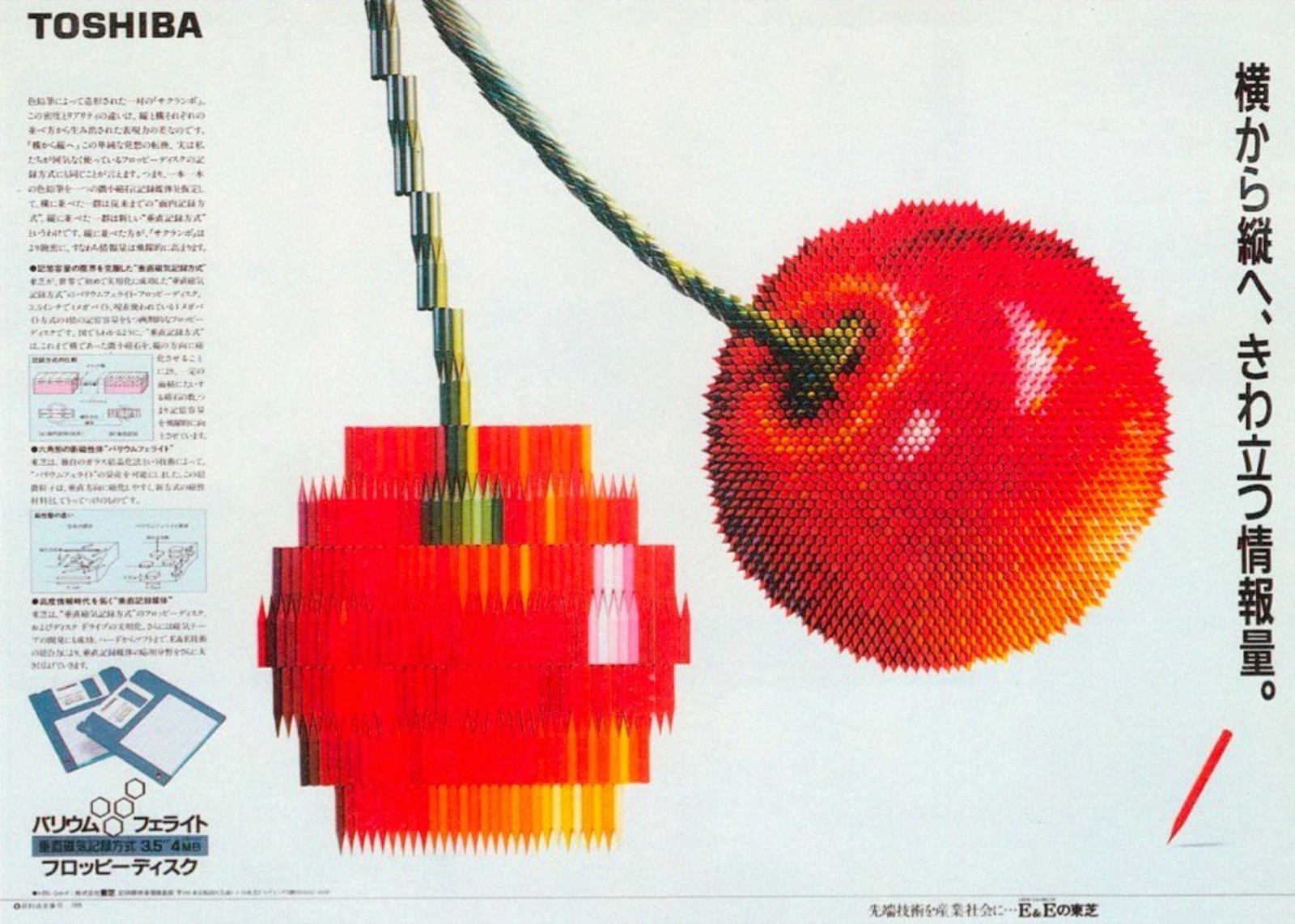
- Japanese graphic design reference: Toshiba floppy-disk advertisementX
- Materials: Glossary, collage and photomontageThe Museum of Modern Art
- Rodchenko: PhotocollageThe Museum of Modern Art
- The Graphic Designs of Herbert MatterThe Museum of Modern Art
- Halftone photomechanical printsLibrary of Congress
- Revolution in a Grid of DotsCooper Hewitt, Smithsonian Design Museum
- Glitch Studies Manifesto by Rosa MenkmanRhizome